Session Status provides insight on what systems are connecting to the mailbox. For example, use Session Status to see if there is a secondary system connecting to the mailbox when your agency is switching management systems and confirm the old system is no longer connecting.
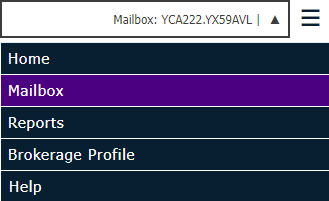
From the Exchange menu, select Mailbox.
Then select the Sessions tab.
Enter or select a date range in the Start Date and Stop Date fields and click Search.
A list of results displays. Change how the files display in the list if necessary.
The
list displays five items per page by default, but you can change this
selection if you prefer. If additional pages are available, use the Previous Page
and Next Page
buttons to scroll through them, or click on a page
number.
The following session information displays in the list:
Start Date/Stop Date- Displays the date, time, and duration of Ivans Exchange access.
Remote Host- The IP address used to connect to Ivans Exchange.
Client- Type of download client (TMWS = Transfer Manager Client, Ivans MFWS = external web service)
 in the field.